
SOFOS 360
Substance
You do not have to create reports yourself. During implementation, a number of reports will be prepared for you. If a report is missing, or is not linked to a substance, please contact your local SOFOS 360® administrator.
It is possible to create a report both in the Substances module and in the Report module. A report can be an overview of available substances, a workplace instruction card, a label, etc.
You can choose from:
A report does not have to be an overview of substances and their properties; a workplace instruction card or a label can also be classified as a 'report'.
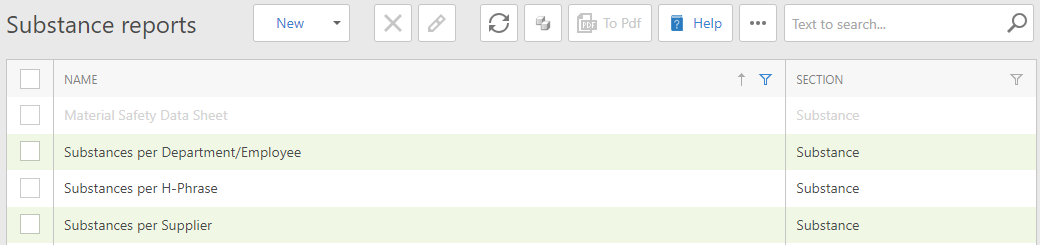
An overview of the Report module, section Substance. You can click on the desired report to generate it.
If you create a report from the Substance module, you can refine your choice on a number of sunstances. You can then only choose from the reports that apply to the selected substance(s).

Create a report from the Substance module. You can only choose from the reports made available for this (these) substance(s). At the top right you can see which report is available.